Plugins
Add the missing piece with focused plugins and add-ons. Each one solves a specific problem, follows its platform's conventions, and arrives with documentation and a license. Install, configure and ship.
All Plugins
1 item
 jQuery
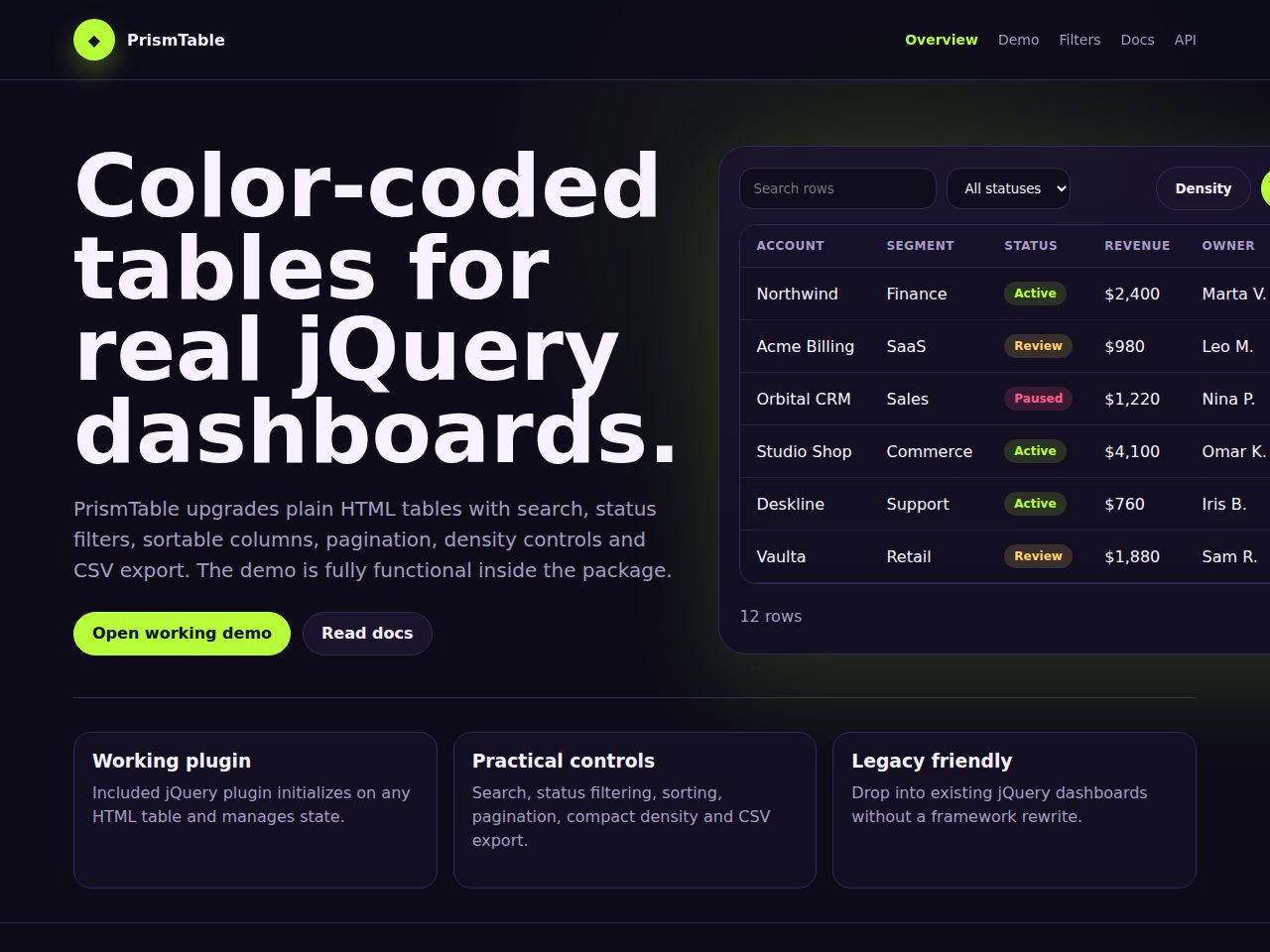
PrismTable is a functional jQuery table enhancement plugin for existing admin panels and legacy dashboards. It upgrades plain HTML tables with live search, stat
About Plugins
Sometimes you don't need a whole new application — you need one capability added to the platform you already run. That's what this category is for: focused plugins and add-ons that extend existing software cleanly, following each platform's conventions so they install and update the way users expect.
The collection covers add-ons for e-commerce platforms, page builders, admin panels, and popular open-source apps, as well as integrations that connect your tools to payment gateways, email services and analytics. Each plugin does one job well, ships with documentation, and respects the host platform's security model — sanitising input, escaping output and using official extension points rather than fragile hacks. That keeps your setup stable when the underlying app updates.
If you specifically run WordPress, the dedicated WordPress category has plugins and themes built to its standards. Need something standalone? PHP Scripts offers full self-hosted applications, while JavaScript and React cover front-end components you can embed. Designers can finish the look with assets from Graphics.
Every add-on includes a commercial license, a live demo where applicable, and access to updates from your dashboard. Because each product is scoped to a clear problem, you can evaluate exactly what it does before buying and integrate it in minutes. Explore the full marketplace to find the extension that completes your setup.
Frequently asked questions
What platforms do these plugins extend?
Add-ons target a range of platforms — e-commerce systems, page builders, admin panels and popular open-source apps. Each product page states exactly which platform and version it supports.
How do I install an add-on?
Installation depends on the host platform, but every product includes step-by-step documentation. In most cases it's an upload-and-activate or drop-in-and-configure process.
Are plugins kept compatible with platform updates?
Authors build against official extension points and publish updates you can download from your dashboard. Supported versions are listed on each product page.
Is a license included?
Yes. Each add-on includes a commercial license. Review the license tab on the product for single-site versus extended usage terms.